A scene with music
A pet explores a pumpkin patch, with gentle ambience or an original instrumental bed. No spoken greeting is promised.
For mood, movement and a quick social post.
PHOTO → VIDEO / HALLOWEEN EDITION
A pumpkin-lit picture is the beginning. A clip you can actually share needs the right photo, the right kind of sound—and a few things checked before you spend credits.
To make a Halloween photo video with sound, choose a clear reference photo, select a non-graphic seasonal scene and confirm whether the sound is music, ambience or speech. Check the displayed credit cost, then watch and listen to the finished file before sharing.
First: which kind of sound?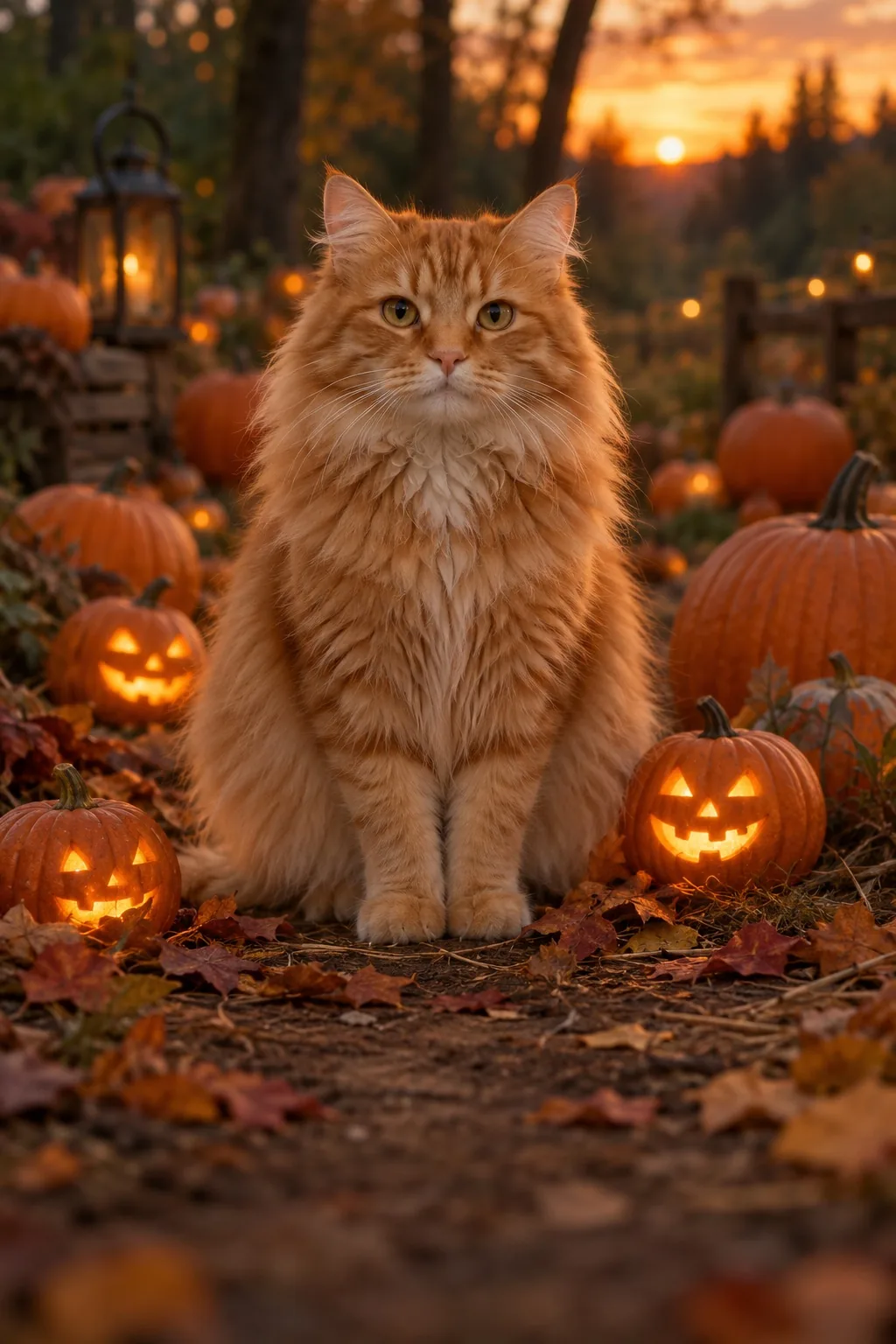
“With sound” can describe very different products. Decide what you want the viewer to hear before choosing a template.
A generation tool’s music option does not grant rights to a commercial song. SnapToClip scene templates request original sound; they do not supply a named commercial recording or a cloned celebrity voice.
Use this list with any photo-to-video tool. The boxes are a local planning aid; ticking them does not verify a service, run a safety check or generate a video.
In our October 17, 2026 end-to-end test, a Pumpkin patch pal pet clip completed generation, full output safety review and authenticated download. The MP4 was about five seconds long and contained an audible, quiet audio track.
This does not establish that every pet, human portrait, speech or holiday template has passed the same test. The gallery illustration above is not a frame from that output, and the waveform is decorative. Sound level and visual results can vary.
SnapToClip lists one-time USD credit packs. Standard five-second scenes use 1 credit without sound or 2 with supported original sound. A 720p speech is listed at 3 credits total: 1 for preparation and 2 for video. Successful preparation remains charged if you stop before video.
| Pack | One-time price | Credits | Up to, with sound* |
|---|---|---|---|
| Starter | $9.99 | 10 | 5 standard clips |
| Creator | $24.99 | 30 | 15 standard clips |
| Studio | $59.99 | 80 | 40 standard clips |
*At 2 credits per standard sound clip, with all credits used for that option. Other actions consume credits differently. This is listed pricing, not an offer of available generation. Check current pricing and availability.
SnapToClip does not include the original commercial song. Its Hotel Lobby duo scene requests an original instrumental groove. An orange studio look, a song licence and lip-synced vocals are three separate things.
No. It means approval could not be completed. A content-policy rejection is different. Do not repeatedly submit an uncertain task; keep its task ID and contact support. A request stopped before generation does not deduct generation credits.
Exact identity preservation is not guaranteed. A clear, unobstructed reference helps, but generated facial details and motion can change. Review every visible person throughout the clip before sharing, and only use authorized adult photos.
CHOOSE A LOOK. CHECK THE DETAILS.
Browse the actual template requirements and availability on SnapToClip. No upload, account or payment happens on this guide.
See the pumpkin template Plan a Christmas clip →